Sticker Scene Maker — The Free AI Sticker Maker for Your Little World
AI-designed stickers · drag & drop · print at home. Build cozy 2.5D sticker scenes — no timers, no scores, just the relaxing snap of stickers falling into place — then turn them into paper stickers you can hold.
Honest note: today you play with AI-designed packs that are ready to go — typing your own prompts arrives in a future update.

From Screen to Real Stickers
Every other sticker maker stops at a download. This one follows through to paper: home printing, full backdrops, or factory die-cut — your call.
Print at Home
Every scene exports as print-ready pages with crop lines for A4 and A3 paper, plus a 100mm check strip so you can verify true size before cutting. No sticker machine needed — scissors are enough.
Full Backdrop
Scenes are not loose stickers floating on white. Each one ships with its full room backdrop, printable from 300 to 600 mm wide, so your stickers stand inside a little world instead of on a bare page.
Factory Die-Cut
Want crisp machine-cut edges? The export bundle includes a factory-ready PDF with CutContour spot-color outlines plus a sticker asset ZIP that professional die-cut shops accept as-is. Creators: the same export is where your own sticker book starts.
Pick · Place · Print
Pick a room
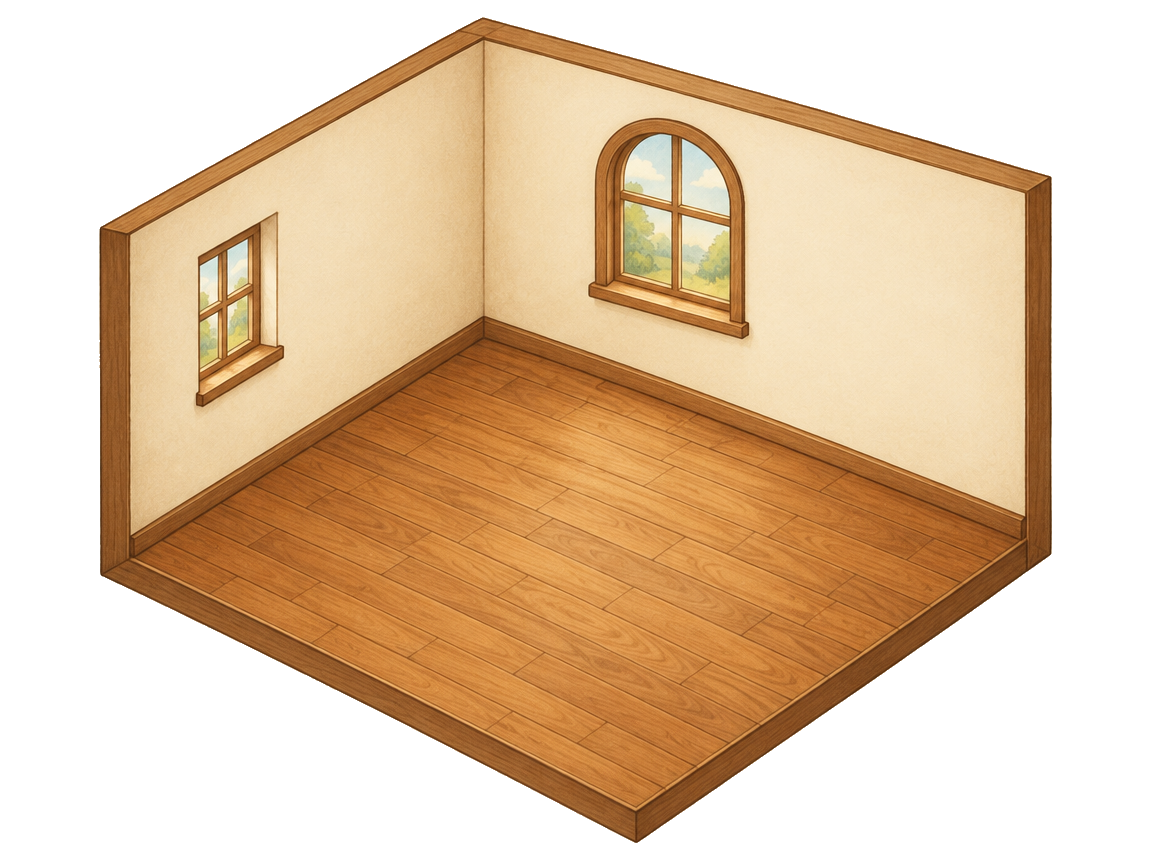
Choose a 2.5D isometric room template. The perspective grid — two walls and a floor — is already calibrated, so everything you add fits the scene.
Place your stickers
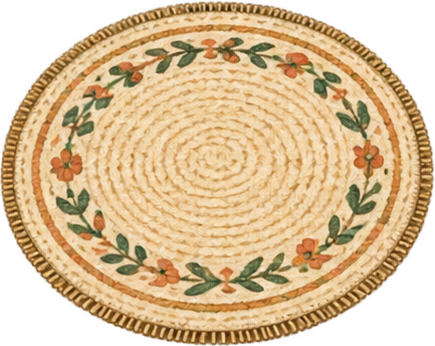
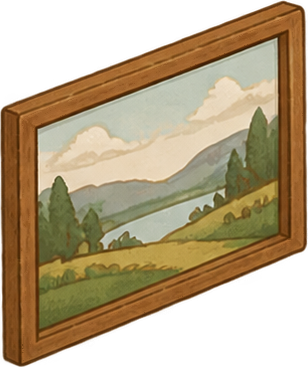
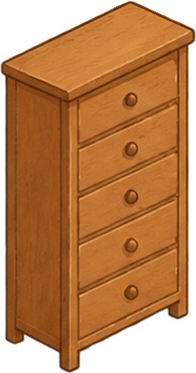
AI-designed sticker packs fill your sidebar. Drag them in: furniture leans on walls, rugs lie flat on the floor, and snapping keeps every piece in perspective.
Print & play
Export the sticker pack, print at home on A4 or A3, and stand your little world on a desk or shelf — or share the finished scene as an image, ready to post or pin.
Start from a ready-made scene
Room templates
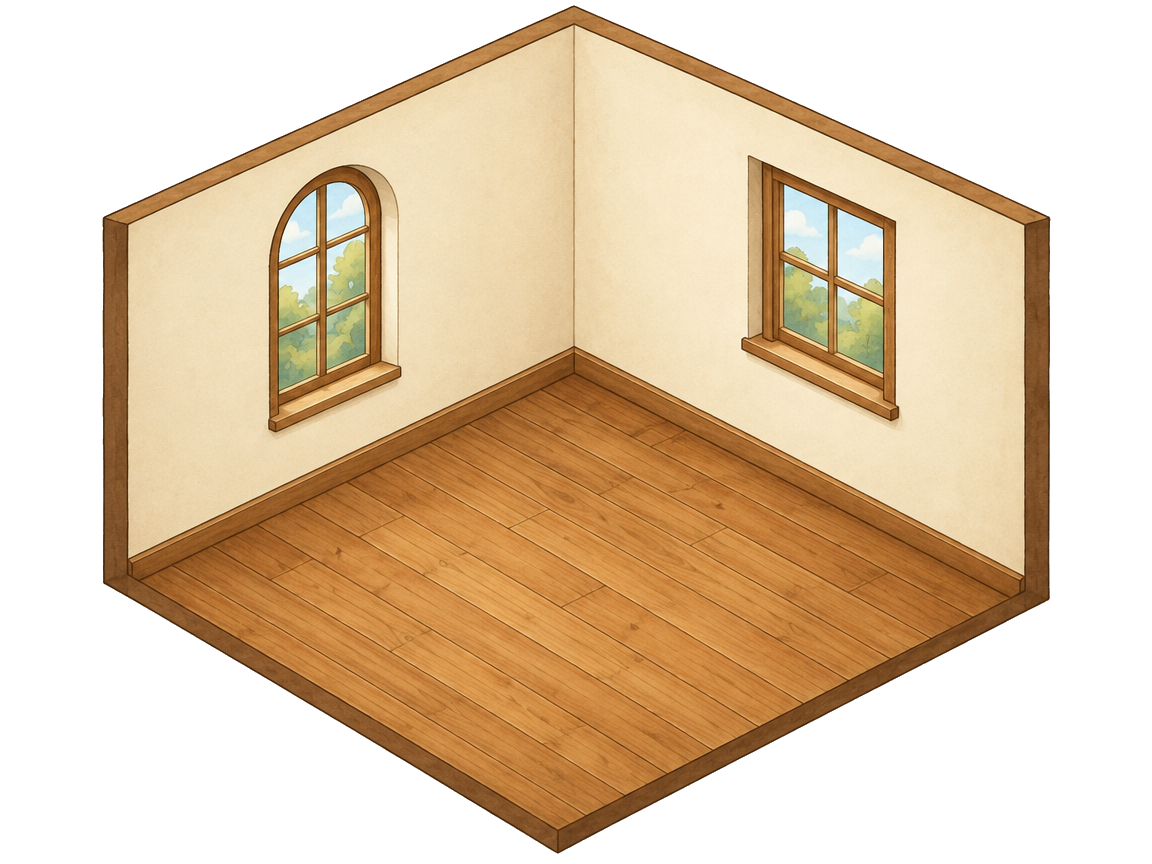
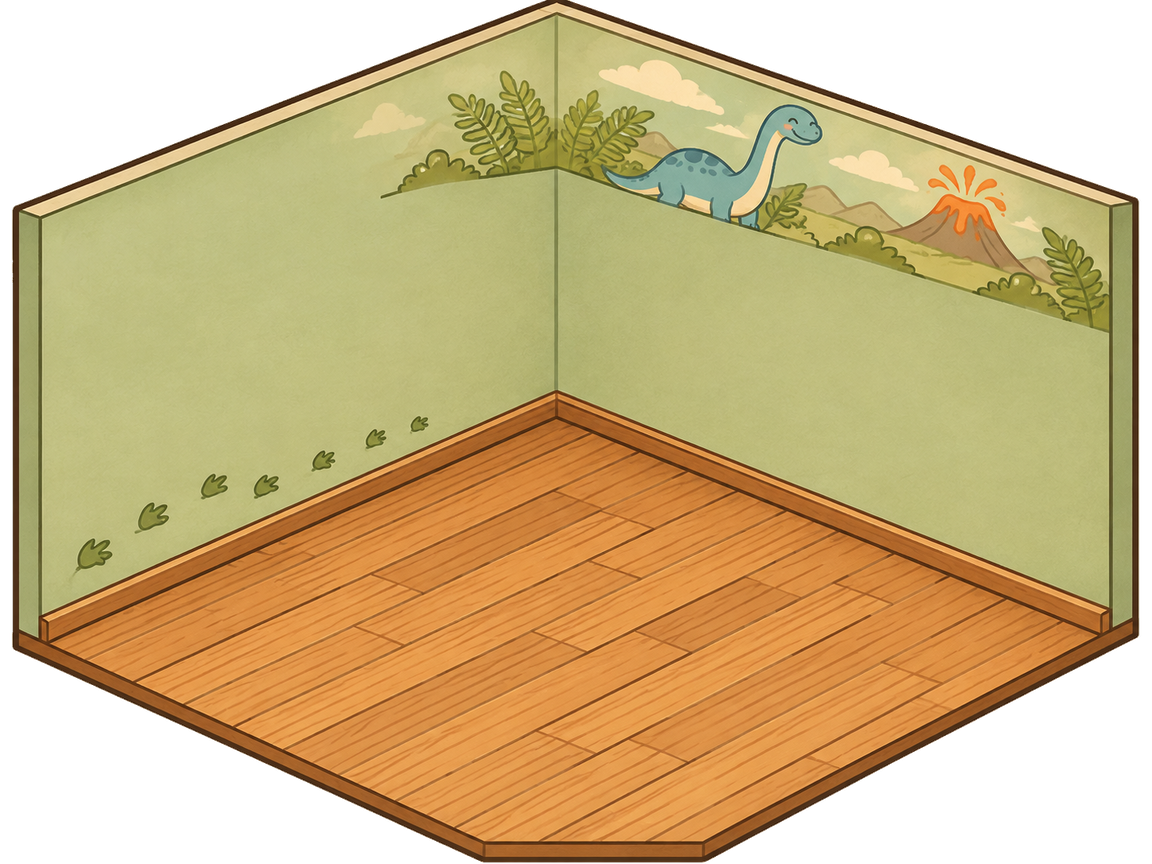
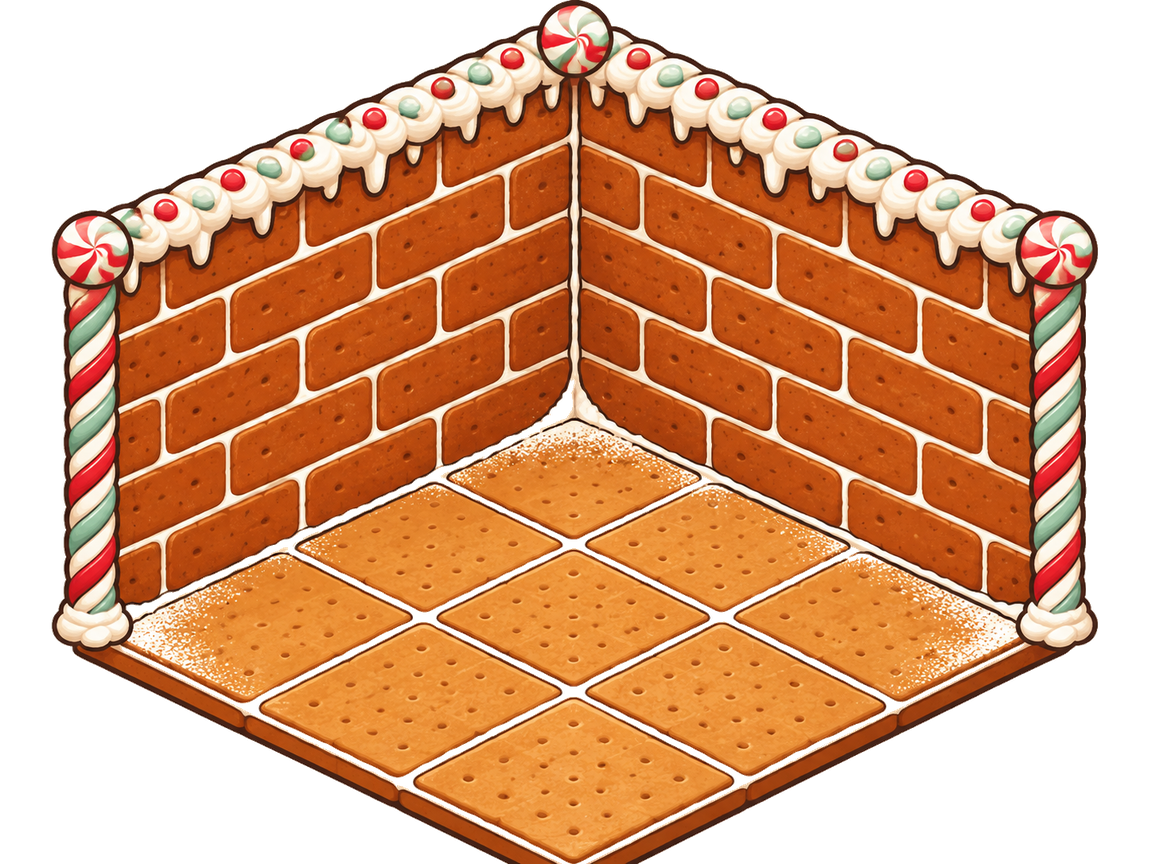
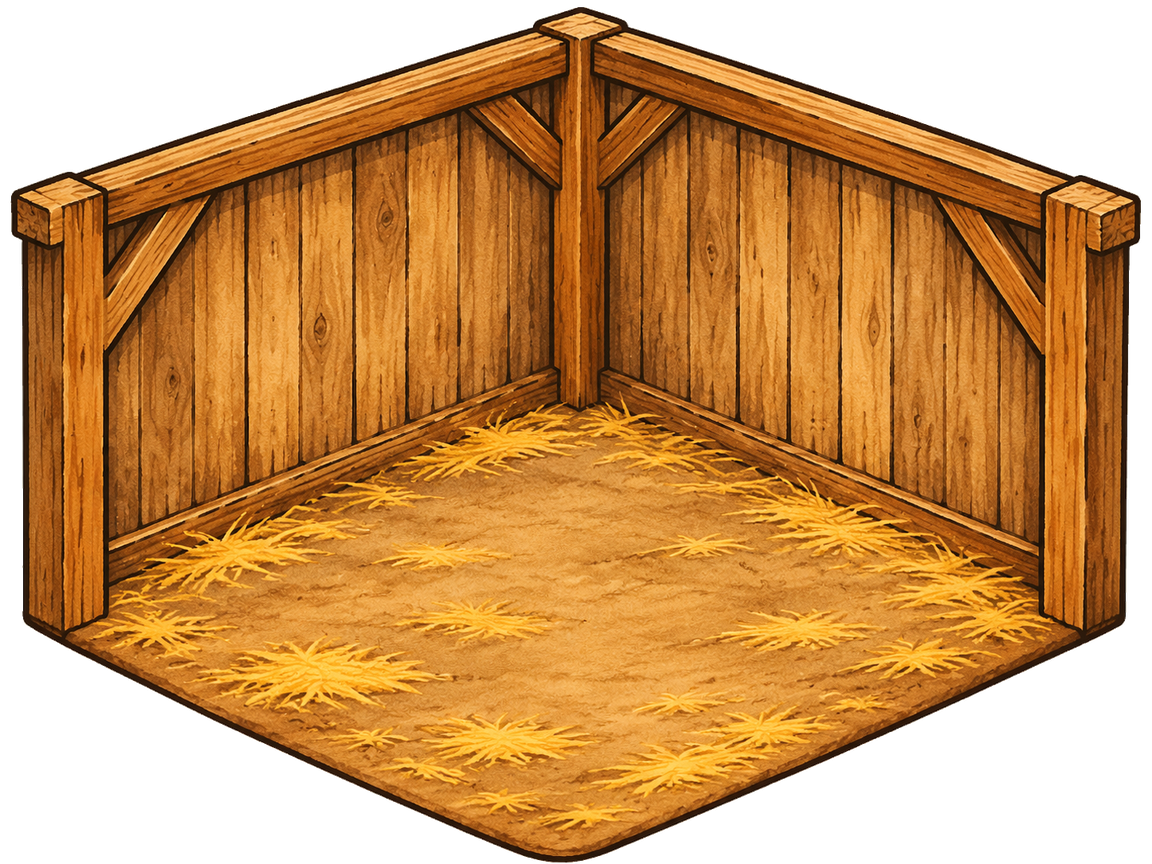
Curated sticker scenes


Frequently asked questions
Is it really free?
Can I print at home?
Do I need a sticker scene book?
What is 2.5D isometric?
Can I use my own photos?
Can I sell stickers?
Ready to build your little world?
Open the editor, pick a room, and your first scene can be on paper tonight.